Appliance Maintenance Records Template: Free Checklist and Log
Written by
Editorial Team
Research and editorial staff
Dates
Published
Last updated
What changed: Expanded the reusable record templates with status, review, evidence, privacy, and replacement-planning guidance.
Checked by our editors.How we estimate repair costsEditorial policy
Sources
- Overheated Clothes Dryers Can Cause Fires — U.S. Consumer Product Safety Commission
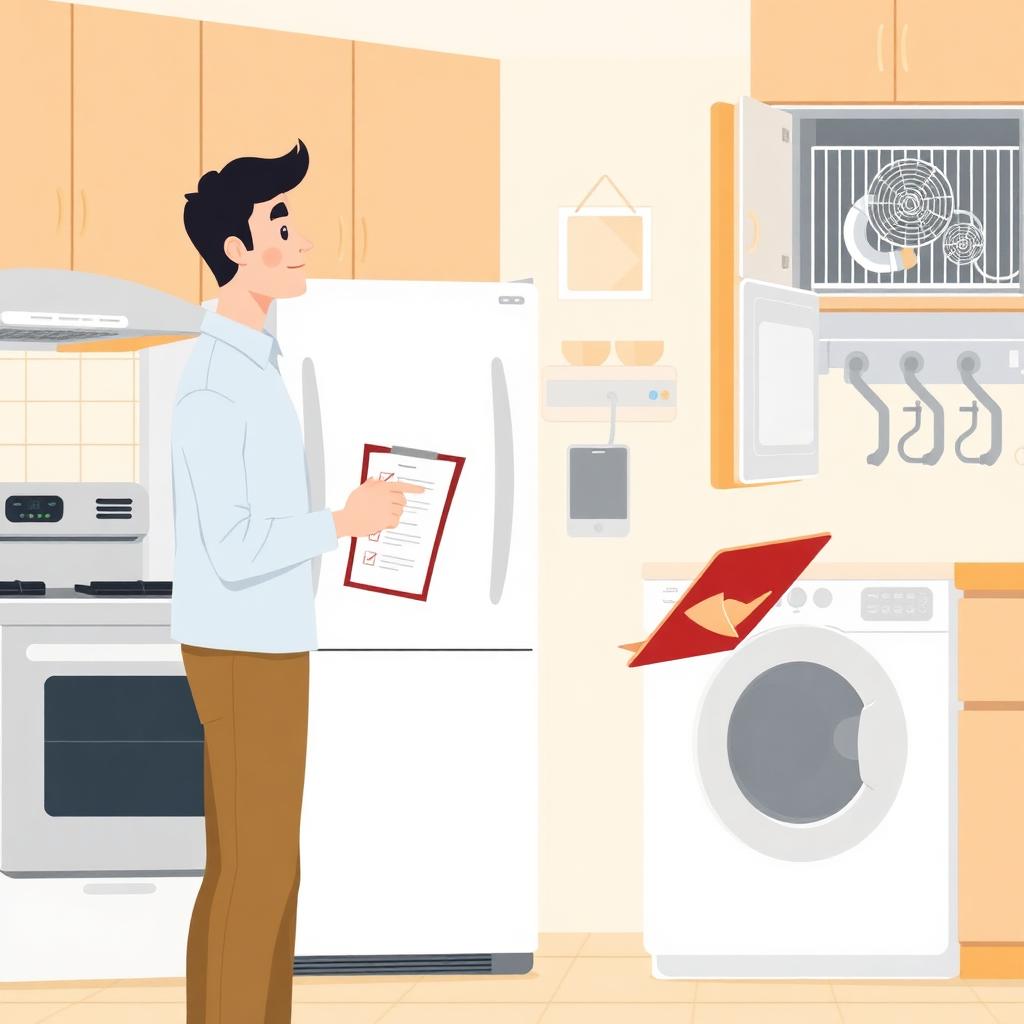
A maintenance record turns reminders, invoices, and messages into a useful history. It shows what happened, what was found, what action was taken, who completed it, and what remains open. Use one profile per appliance and one dated log row per cleaning, inspection, symptom, or repair.
Appliance profile
| Field | Entry |
|---|---|
| Property or home address | |
| Unit or room | |
| Appliance type | |
| Brand | |
| Model and serial number | |
| Fuel or power type | |
| Installation and purchase dates | |
| Warranty provider and end date | |
| Manual or product page | |
| Installer or service company | |
| Emergency shutoff location | |
| Replacement filter or part numbers | |
| Access or special instructions |
Photograph the rating plate and add the image name or link. Model and serial numbers are often the first details a technician requests. Add the photograph date and confirm the label belongs to the appliance in that unit or room.
Keep stable identity details in the profile rather than repeating them in every event row. Update the profile when equipment is replaced, moved, converted to a different fuel arrangement, or assigned a new service provider. Preserve the retired appliance record instead of overwriting it with the replacement information.
Maintenance event log
| Date | Appliance | Task or issue | Condition found | Action taken | Parts/products | Completed by | Cost | Next due | Status |
|---|---|---|---|---|---|---|---|---|---|
| Open / Closed | |||||||||
| Open / Closed | |||||||||
| Open / Closed |
Use specific language. “Checked dryer” is less useful than “Cleaned lint-screen housing, inspected rear duct, exterior flap opened normally, no visible crush points.” Preserve unresolved findings rather than marking the visit complete.
Use one row for each distinct event. A reported symptom, inspection, temporary stop-use decision, completed repair, and later verification may need separate entries. Link them with a work-order number or short reference so the sequence remains clear.
Appliance-specific fields
- Dishwasher: filter date, spray-arm check, cleaner or descaler, drainage result, leak check, racks, odor, and grit.
- Dryer: screen condition, vent route and material, exterior-flap result, duct-cleaning date, drying-time change, heat, and odor.
- Oven/range: burner or element test, flame, temperature check, gasket, hood filter, self-clean date, smoke, odor, and calibration.
- Refrigerator: measured temperature, gasket, filter, model-approved condenser cleaning, water line, ice maker, and leaks.
- Washer: supply and drain hoses, tub-clean cycle, vibration, odor, leakage, and owner-accessible filter cleaning.
Record measurements with units and context. For example, include the refrigerator compartment, thermometer location, time allowed to stabilize, and control setting. For a dryer, record the cycle, load type, and whether the exterior flap was observed. Context prevents a number from being misread later.
Monthly checklist
| Month | Dishwasher | Dryer airflow | Oven/range | Refrigerator | Washer | Follow-up |
|---|---|---|---|---|---|---|
| January | ||||||
| February | ||||||
| March | ||||||
| April | ||||||
| May | ||||||
| June | ||||||
| July | ||||||
| August | ||||||
| September | ||||||
| October | ||||||
| November | ||||||
| December |
Define short codes such as C for complete, F for follow-up, and S for professional service. A blank cell should not imply completion. Add a legend and require a note or linked event row whenever follow-up or service is marked.
The monthly grid is an index, not the complete maintenance history. It should point to the detailed event log where findings, photographs, parts, products, and unresolved work are recorded.
Service-call record
- Date reported and serviced
- Property, unit, appliance, model, and serial number
- Reported symptom and exact error code
- Safety concern and immediate stop-use action
- Technician, diagnosis, parts, and work performed
- Testing completed before return to service
- Invoice number, cost, warranty, or claim
- Further work, responsible person, and next inspection date
- Attached photographs and documents
Record whether equipment was removed from service and when it was returned, especially after gas odor, smoke, overheating, sparking, active leakage, or damaged wiring. Note who authorized return to service and the evidence provided. Do not infer safety merely from the absence of an error code after a reset.
If a provider recommends monitoring, record exactly what should be observed, for how long, and which condition requires shutdown. Avoid vague entries such as “watch it” that do not identify responsibility or a decision point.
Dryer vent record
| Field | Entry |
|---|---|
| Dryer type | Gas / Electric |
| Vent termination location | |
| Approximate route | |
| Duct material | |
| Last full cleaning | |
| Cleaning provider | |
| Exterior flap | Normal / Restricted |
| Crushing or damage | |
| Drying-time change | |
| Lint, heat, or odor symptoms | |
| Next inspection |
CPSC guidance recommends lint-screen cleaning before or after each load, periodic vent and exhaust-duct cleaning, cleaning behind the dryer, and avoiding unsuitable plastic or foil accordion-style ducting. Record everyday screen care separately from full vent service.
For a concealed route, retain any diagram, estimate, or service note showing length, bends, and termination. If access is through a roof, crawl space, or shared building area, record that requirement so a future visit is scheduled with the correct equipment and permission.
Review and close records carefully
Review the log quarterly for repeated repairs, rising costs, missed due dates, and recurring symptoms. Do not close an item merely because someone visited. If a part, return visit, installation correction, or monitoring step remains, assign an owner and due date. Preserve the original symptom and diagnosis instead of overwriting them.
When work finishes, add the completion date, invoice or report reference, and the test used to return the appliance to service. If a symptom returns, open a new event linked to the prior repair. This preserves recurrence instead of making the earlier work appear unfinished.
A record is not proof that equipment is safe today. Stop using an appliance for current gas odor, smoke, sparking, dangerous overheating, major leakage, or damaged wiring. A log supports decisions; it does not replace inspection.
Use records for repair or replacement decisions
Group costs by appliance and separate routine supplies from diagnostic fees, repairs, property damage, and installation changes. Review downtime, repeat failures, unavailable parts, warranty status, energy use, and safety concerns along with total spending. One expensive repair and several recurring failures tell different stories.
Do not use a spreadsheet formula as the only reason to continue operating unsafe equipment. Replacement planning can support budgeting, but an immediate hazard still requires shutdown and qualified assessment.
Digital and paper organization
Use a spreadsheet for sortable entries and a folder for manuals, photos, invoices, and reports. Use consistent filenames such as 2026-09-22_unit-2_dryer-vent-cleaning.pdf, back up the folder, and restrict access to tenant or property information. For paper, keep one binder per home or property with the profile first and records in date order.
Limit personal information to what is necessary. Apply applicable retention, privacy, notice, and access requirements. When sharing a record with a technician, warranty provider, buyer, tenant, or insurer, send only the relevant documents and protect unrelated contact or property information.
Related guides
- Appliance Maintenance Checklist
- Appliance Maintenance for Rental Properties
- Appliance Repair Diagnostic Fee
- Appliance Repair vs Replacement
Safety note: Follow model instructions and local code. Stop for smoke, gas odor, sparking, dangerous overheating, major leakage, or damaged wiring. Use qualified service for internal gas, electrical, refrigerant, or concealed-system work.
Frequently asked questions
Related guides
Appliance Maintenance for Rental Properties: Landlord Guide
Build a rental-property appliance maintenance program with inventories, inspections, tenant reporting, dryer vent care, leak prevention, records, and replacement planning.
Appliance Maintenance Schedule by Month: A 12-Month Checklist
Use this adaptable 12-month appliance maintenance schedule for filters, hoses, vents, seals, cleaning, safety checks, records, and seasonal reminders.
Dishwasher Maintenance Checklist for Cleaner, Longer-Lasting Appliances
Use this dishwasher maintenance checklist for filters, spray arms, seals, drainage, racks, cleaning cycles, warning signs, and model-specific care.
Disclaimer: Pricing reflects US national averages as of the publication date and varies by region, brand, and labor rates. This article is informational and does not replace professional inspection or repair advice. See our full disclaimer.